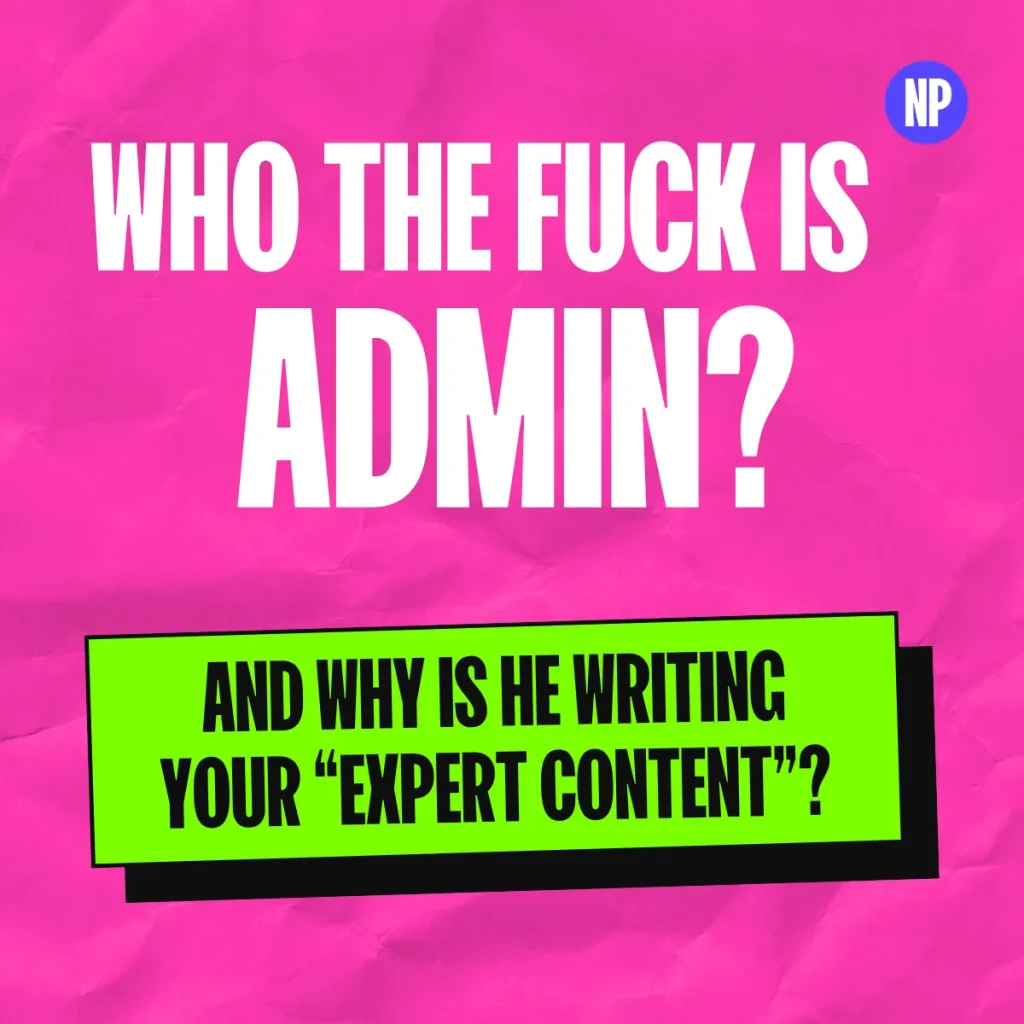
Go and look at your blog. Pick a post and check what’s under the title. Posted by admin. Posted by team. Posted by the company name, as if a limited company sat down one Friday afternoon and wrote 800 words on choosing an accountant. Or no name at all.
You’ve spent years getting good at what you do, with the qualifications and the client stories to show for it. And the page that’s meant to prove it is signed by a WordPress username.
AI has made faking an expert so easy that being a real one is now one of the best advantages a small business has, and publishing as admin throws it away.
Why author bylines matter more now AI can fake expertise
A few years ago, writing a decent article took effort, because somebody had to know something. Now anyone can churn out a hundred posts in a week that sound like an expert wrote them, when what wrote them was a machine that’s very good at sounding knowledgeable.
The fakery didn’t stop at the words. In late 2023 Sports Illustrated was caught publishing product reviews by writers who didn’t exist, with made-up names and at least one headshot that turned up for sale on a site selling AI-generated faces. This was Sports Illustrated, not some backstreet affiliate site, and the publisher’s CEO was fired within weeks.
Earlier that year CNET was publishing AI-written money explainers under the byline CNET Money Staff, and a load of them needed corrections. The faceless byline didn’t protect anybody. If anything it made it look like nobody was willing to put their name to the work (which, as it turned out, nobody was).
So the internet is now stuffed with content that sounds expert, and that makes sounding expert worth very little. What’s worth something is proof that a real person who does this for a living is behind the page.
Is an author byline a Google ranking factor?
I’m not going to sell you a myth in a post about fakery. Google has said author bylines aren’t a ranking factor on their own, so sticking a name on a post won’t shove you up the results.
What Google’s guidance on creating helpful, people-first content does ask is whether it’s obvious who wrote a page, and whether the byline leads somewhere that explains who that person is. Admin fails on both counts and doesn’t even get out of bed to try.
In October Google went further. It added a warning to that guidance calling fabricated creator profiles, such as AI-generated headshots, made-up names or false credentials, a form of deception and a signal of a low-quality page.
What a real name does is make your expertise checkable, for search engines and AI tools as much as for the bloke deciding whether to ring you or the next company down the list. Think of it like a business card. One that just says “a consultant” goes in the bin, while the one with a name and a number people can check against what they’ve heard about you gets the phone call.
How Google links your name to the real person behind it
As well as reading your page, Google is trying to work out who’s behind it and whether it has seen that person elsewhere.
Say Sarah Jones writes a post on your site about employment law. A Sarah Jones on LinkedIn has been an employment solicitor for fifteen years, another gets quoted in the trade press, and another spoke at a conference in Leicester last spring. Google wants to be able to say they’re one person, with the same name and face, writing about the same subject and all pointing at each other.
When that joins up, you’ve got something AI can’t fake easily. Anybody can generate a bio, but faking ten years of other people talking about you is a hell of a lot harder.
When it doesn’t join up, you’re a stranger with no photo or bio. You might be the best in the country at what you do, and the page still gives nobody a reason to believe it. I wrote about this from the prospect’s side in Does your Circle of Credibility hold up when someone Googles you?, and Google is running much the same check.
“AI can fake a bio that sounds like twenty years in the trade. It can’t fake twenty years of other people saying so.”
Me
Why fake author profiles put your website at risk
Some sites make up authors on purpose. They invent “senior consultants” with a stock photo and a bio about being “passionate about delivering value”. Agencies put a fake expert on a client’s blog because it looks better than “written by our content mill”. And there’s “medically reviewed by” with a name nobody can find anywhere.
If you’ve got one of those on your site, take it down, because after Google’s October update it’s a liability with a headshot.
Why an admin username on WordPress is a security risk
If your posts say admin, there’s a decent chance that’s also your login username. WordPress puts author archives at an address that can give that username away. That means you’re telling Google you’re nobody while handing anyone who wants to break into your site half your login.
Using AI to write blog posts is fine if a real expert signs them off
I’m not anti-AI, as anyone who heard episode 18 on content audits will know. Use it to draft if you want, but somebody who knows the subject has to go through it properly and put their name to it. If nobody in your business is willing to do that, it probably shouldn’t be published.
How to fix the author byline on your website
Most of this is an afternoon’s work. The last part takes longer, and it’s the part that counts most.
Put a real name on every blog post
Every post needs a human being’s name on it, not a username or the company’s. If a freelancer wrote it and your expert edited and approved it, the expert’s name goes on it, and they’d better have read it.
Change your WordPress display name and username
Go into your user profile and set the display name to your real name. If your username is admin, create a new user with a proper username and delete the old one. WordPress will ask what to do with that user’s posts, so give them to the new account. It’s ten minutes’ work and worth doing today.
Build an author page that proves who you are
Link the byline to an author page with a real photo of you on it, not a stock photo or an AI one. The bio should say what you’ve done rather than string adjectives together. “Fifteen years running payroll for manufacturing firms” beats “passionate, results-driven professional” every time.
Then link out to wherever else you exist: LinkedIn, podcasts you’ve been on, trade press articles, talks you’ve given, and a book if you’ve got one. Some of the sites I audited in Are AI-built websites any good for SEO? used the brand logo as the author photo, which tells Google and your prospects nothing.
Use the same name and headshot everywhere
Your LinkedIn should link back to your website. When you write a guest piece or get quoted, ask for your bio to link to your author page. If you’re Elizabeth on your site and Liz on LinkedIn, pick one, and use the same headshot everywhere so the dots join up. Become an entity that Google and AI search knows and understands.
Add Person schema with sameAs links
This is the techy bit, and most SEO plugins can do it for you. You want Person markup for the author, with a URL pointing at the author page and a sameAs list of your other profiles. Google’s author markup best practices say the name field should hold only the name, so Sarah Jones rather than “Sarah Jones, Director” or “Posted by Sarah”.
Only use “reviewed by” if it’s true
A reviewed-by line needs a real, findable person who did review the piece, or it needs to come off.
Get mentioned somewhere other than your own website
This is the slow one. Say yes to the podcast invite and write the article for your industry magazine. Answer the journalist’s request, or turn up and talk at the business event in Kettering. Every one of those is somebody else confirming you are who you say you are, which is something your competitors with an AI blog factory can’t buy.
For the SEOs reading, it’s the same point I made in episode 12 about GEO in your LinkedIn headline. You don’t need a new acronym to show up in AI answers. You need to be a real expert who’s easy to identify.
How to audit the author bylines on your website this week
Start by counting your admins. Go through your blog and note how many posts are credited to admin, team, the company name or nobody, because that’s your to-do list. Then change the display name and username before you forget.
After that, fix your own author page. Read it as if you’d never met yourself and ask whether you’d hire you. Then Google your name plus your job. If what comes up is a LinkedIn profile with a photo from 2011 and a different job title from your website, make them match. And pick one place to show up this month, even if it’s just one guest article.
Need some help? You know where I am.